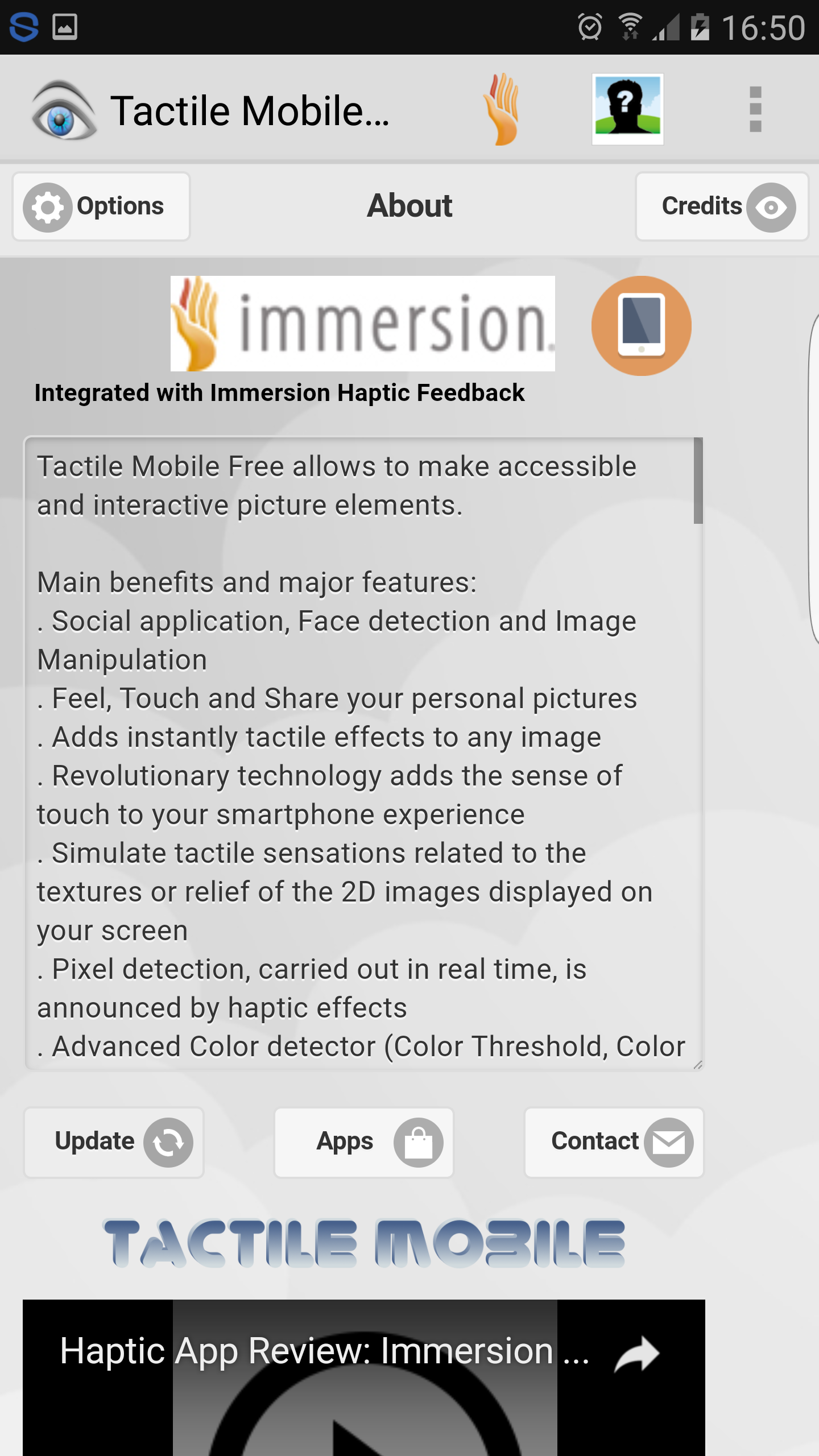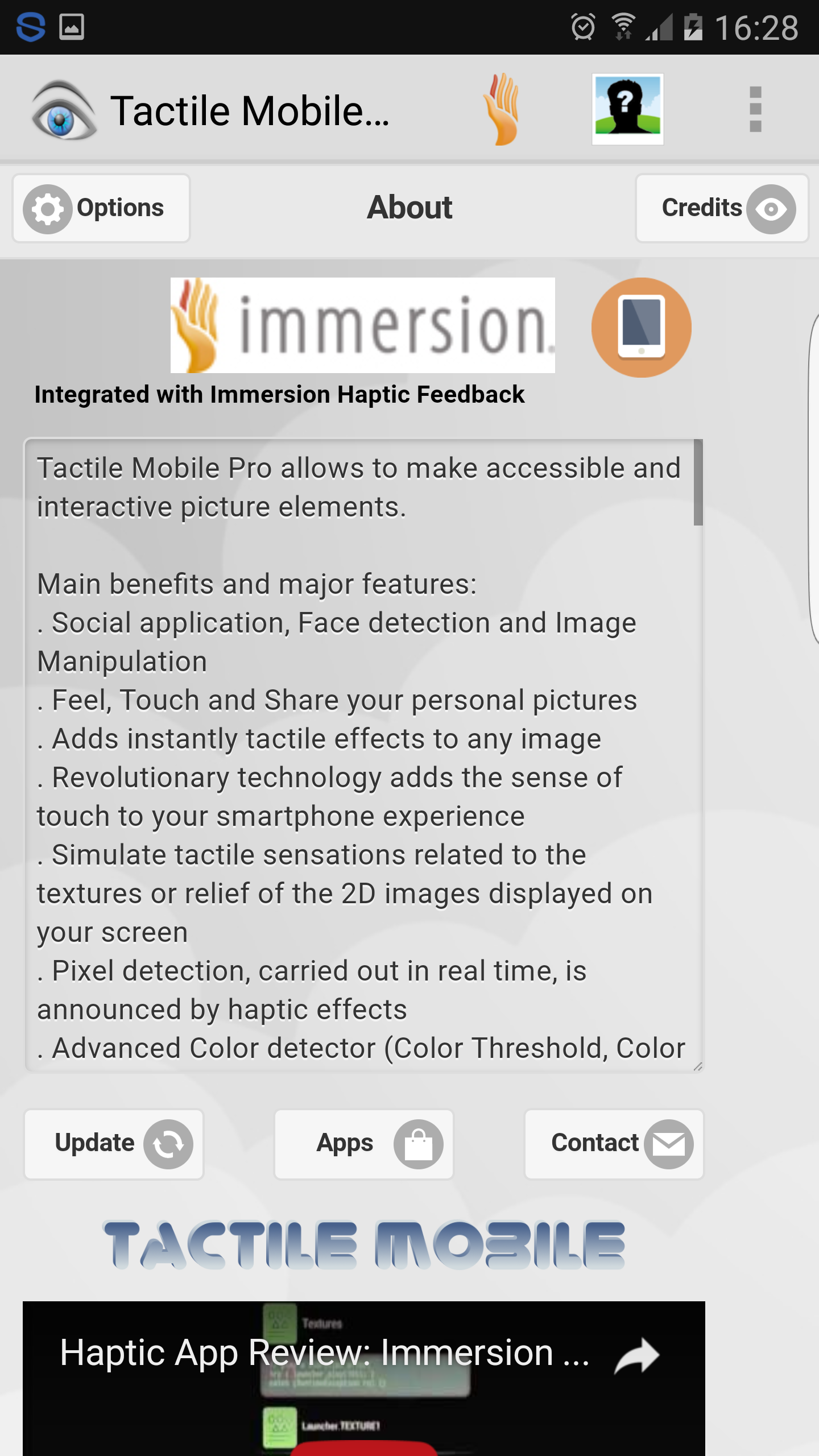
Main benefits and major features:
. Social application, Face detection and image manipulation
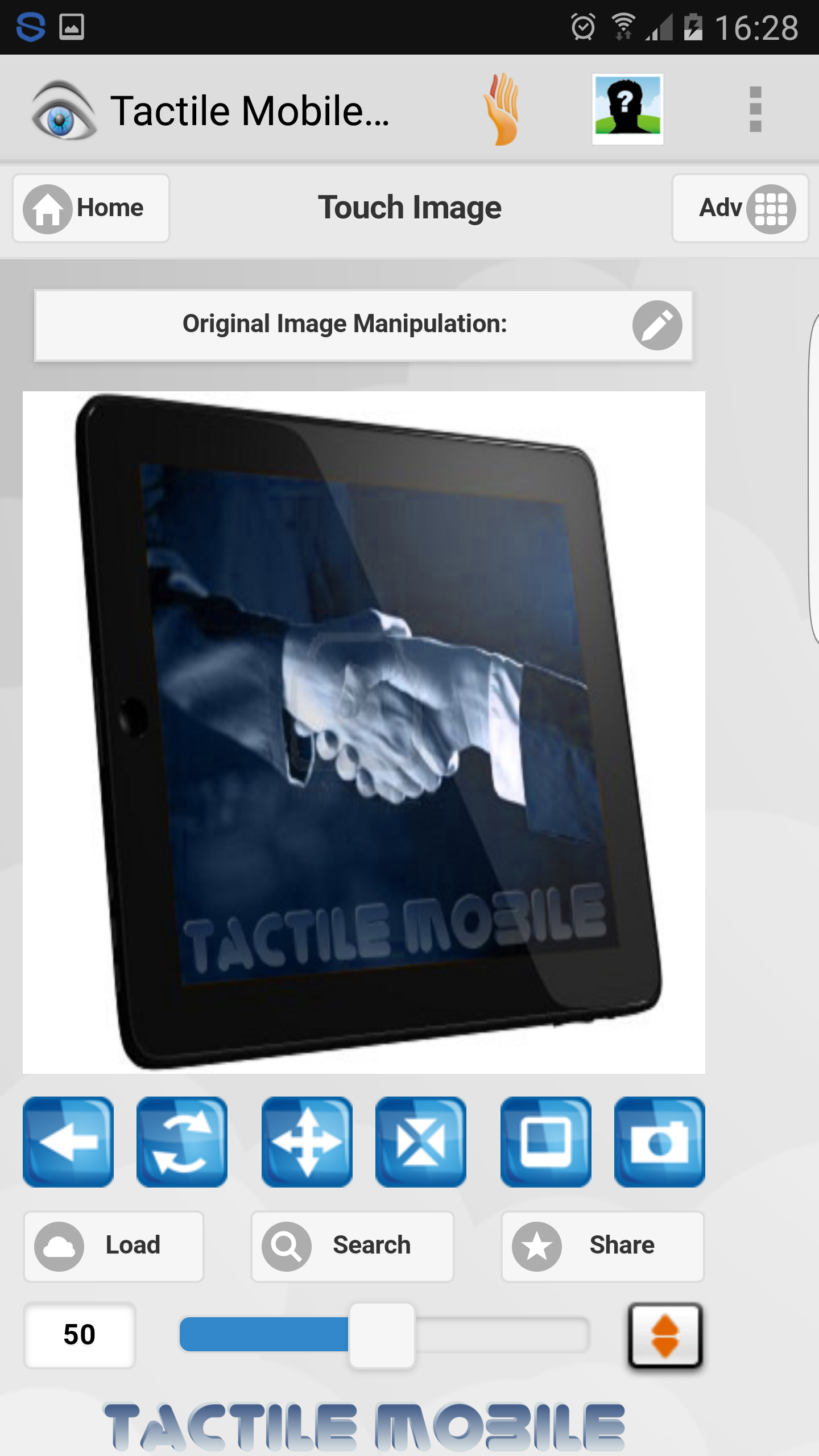
. Feel, Touch and Share your personal pictures
. Adds instantly tactile effects to any image
. Revolutionary technology adds the sense of touch to your smartphone experience
. Simulate tactile sensations related to the textures or relief of the 2D images displayed on your screen
. Pixel detection, carried out in real time, is announced by haptic effects
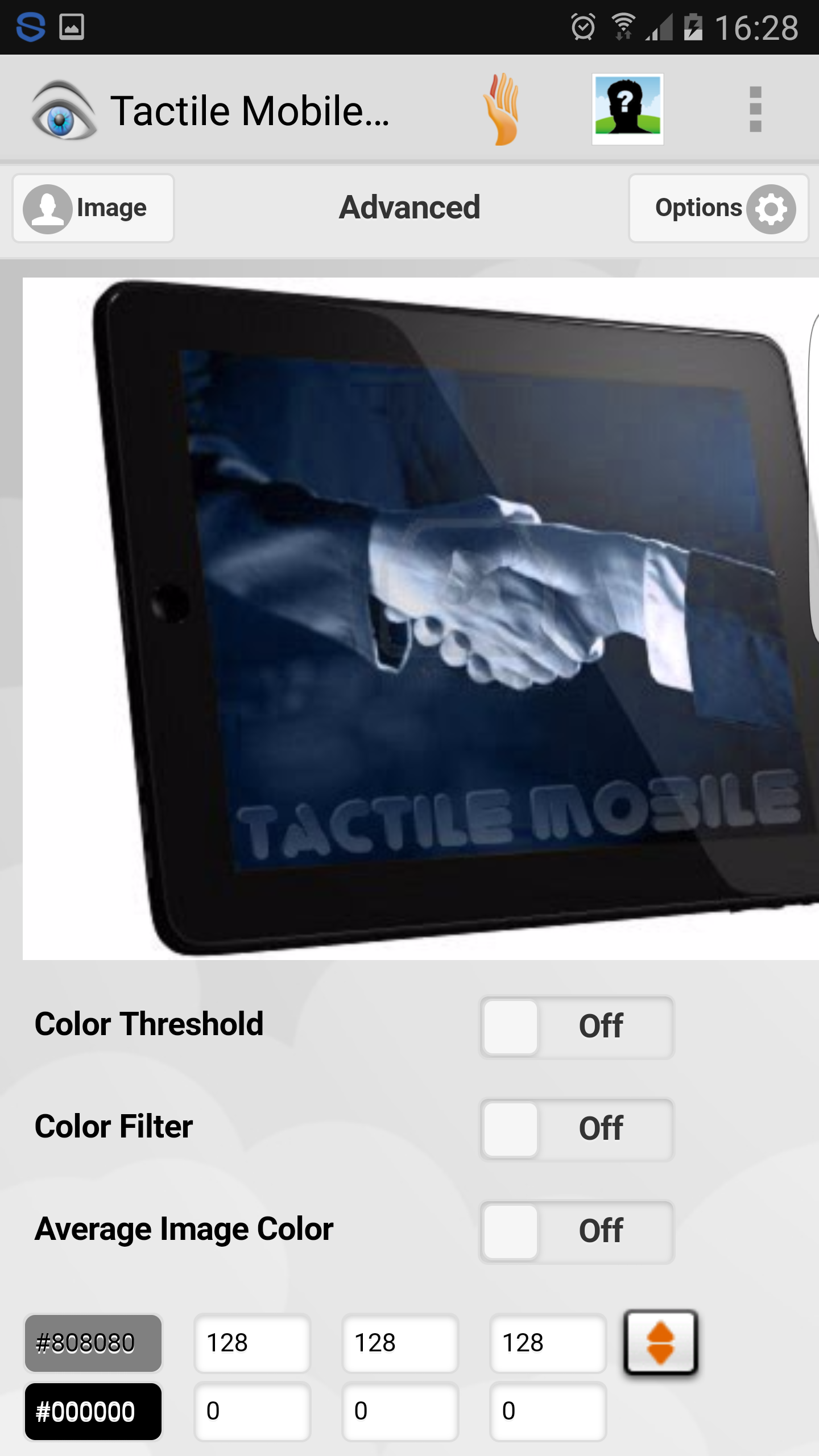
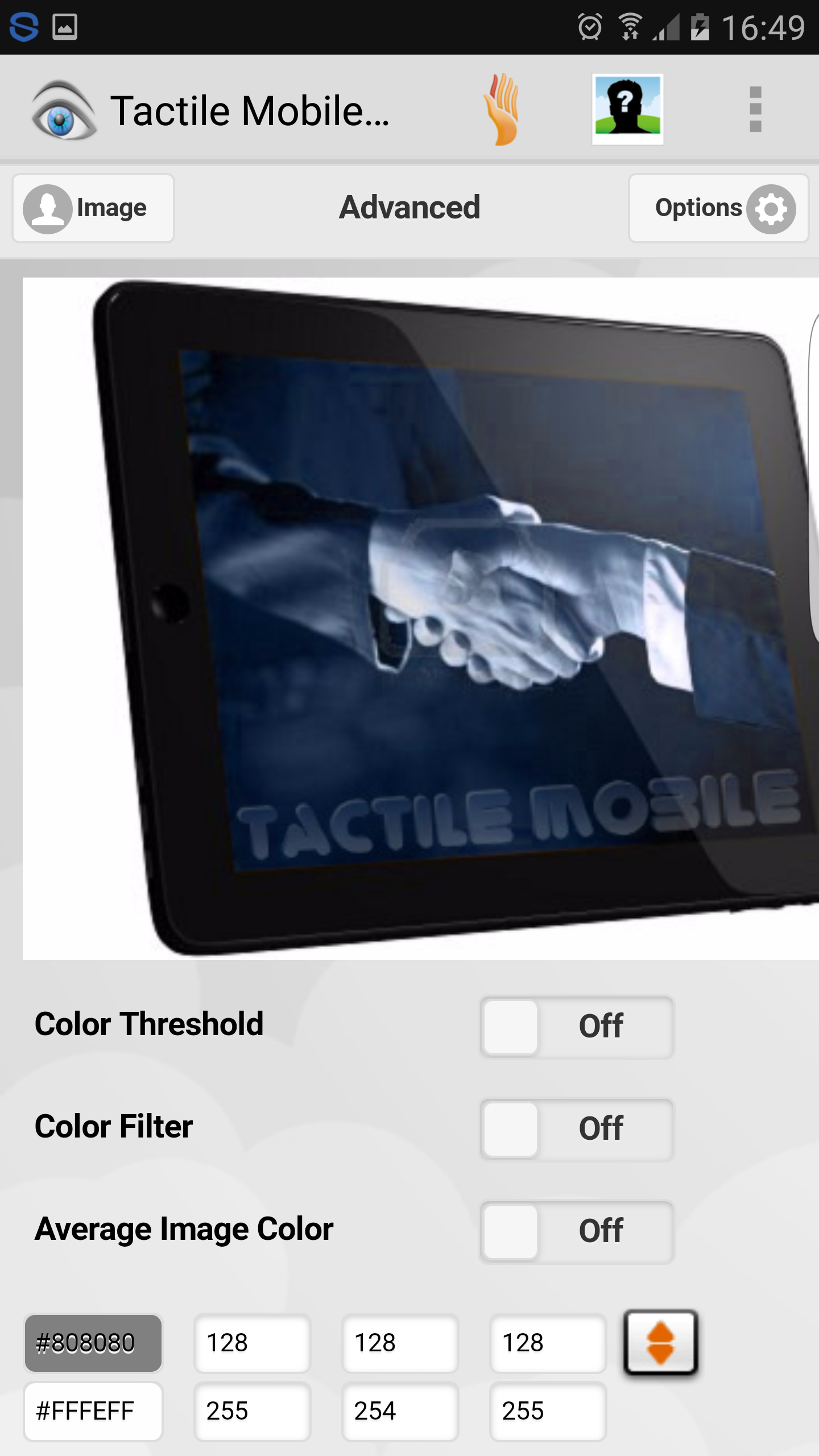
. Advanced color detector (Color Threshold, Color Filter, Average Image Color, Shades of Grey)
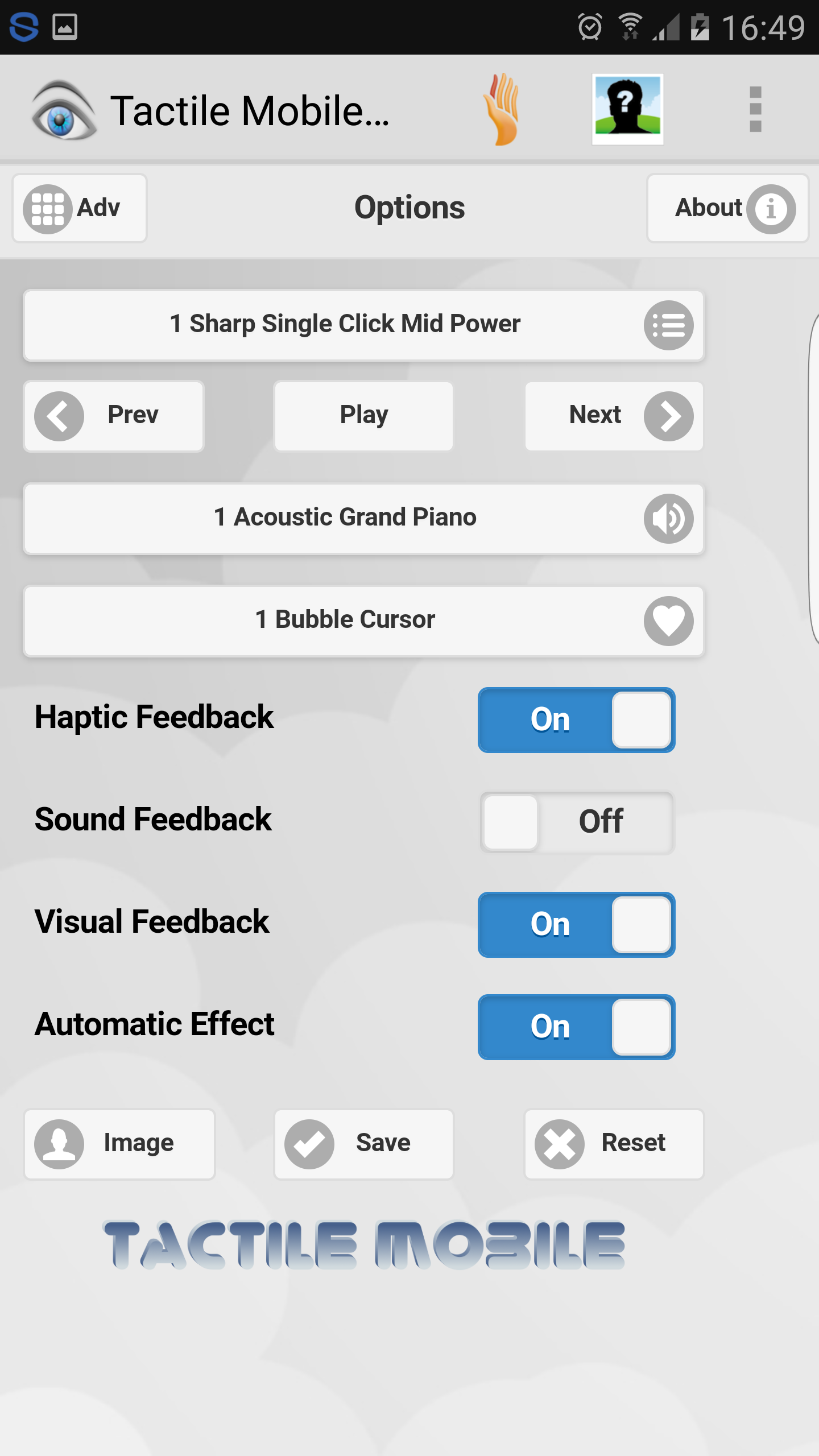
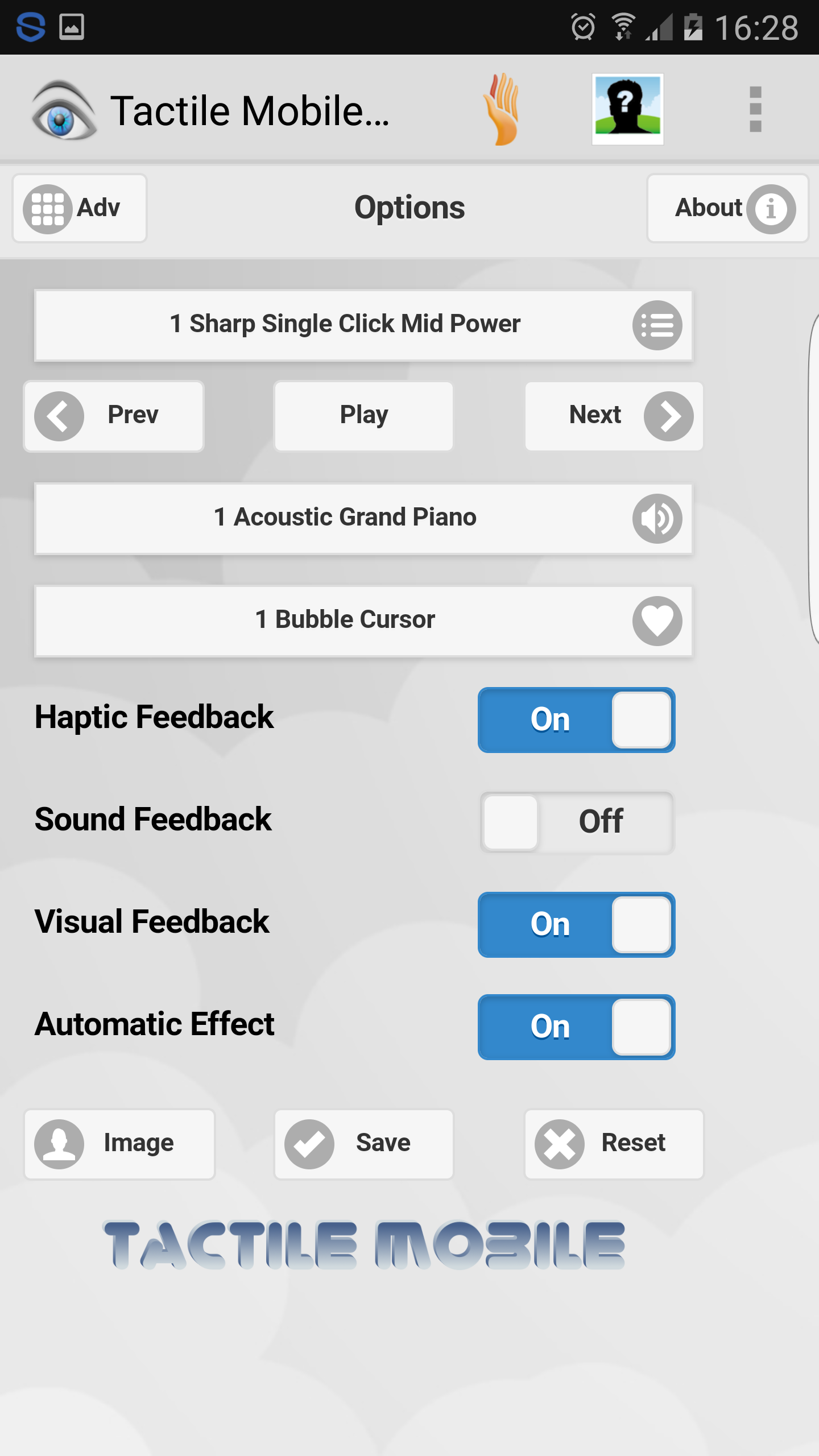
. Multimodal user interface: Haptic Feedback, Audio Feedback and Visual Feedback enable user-system interactions
Tactile Mobile makes palpable pixels on the fly, you can surf all the web visually, haptically and auditorally. You won't believe your eyes, fingers and ears!
To celebrate the 10th Anniversary of iFeelPixel association. Special Promotion start for the Professional Version. Enjoy to use your sense of touch!
Price: Free version without ads | 1 Euro 0,75 Euro for the Pro version with advanced features | Buy Tactile Mobile Pro
Platform: Android 2.1 and up (Android 4.1 is recommended for the Best User Interface)
Permissions: VIBRATE | INTERNET | CAMERA | Read & Write External STORAGE (Required to save image files) | NETWORK STATE
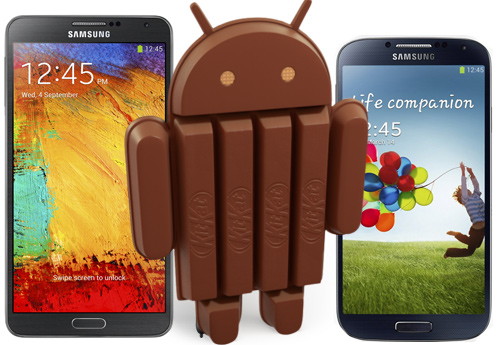
Hardware requirement: TouchSense handset (Samsung Galaxy S3/S7/S10 is recommended for the Best User eXperience)
Tactile Mobile Applications are no more available for Android on Google Play Store.
Please watch the video of demonstration on iFeelPixel channel.
Read Immersion Mental Model document for more information.
Alternatively, you can download Tactile Mobile for Android as the signed Google Android APK file "tactilemobile.apk" directly from our server. But you need to enable "Unknown Sources" (from the main screen selecting Menu | Settings | Applications | Unknown Sources) to allow installation from the web.
Notice: For Android 4.0 "Unknown sources" option is
moved from Applications to
Security.
 Download Tactile Mobile for Android (Free version) | Get Tactile Mobile Free
version number: 3.0.2 | release date: October 19, 2016 (Development stopped indefinitely)
Size: 6,3 Mo | MD5 signature: 8A2CA327D84057A1A7CC6475733C15CD | EULA
I agree
Instructions:
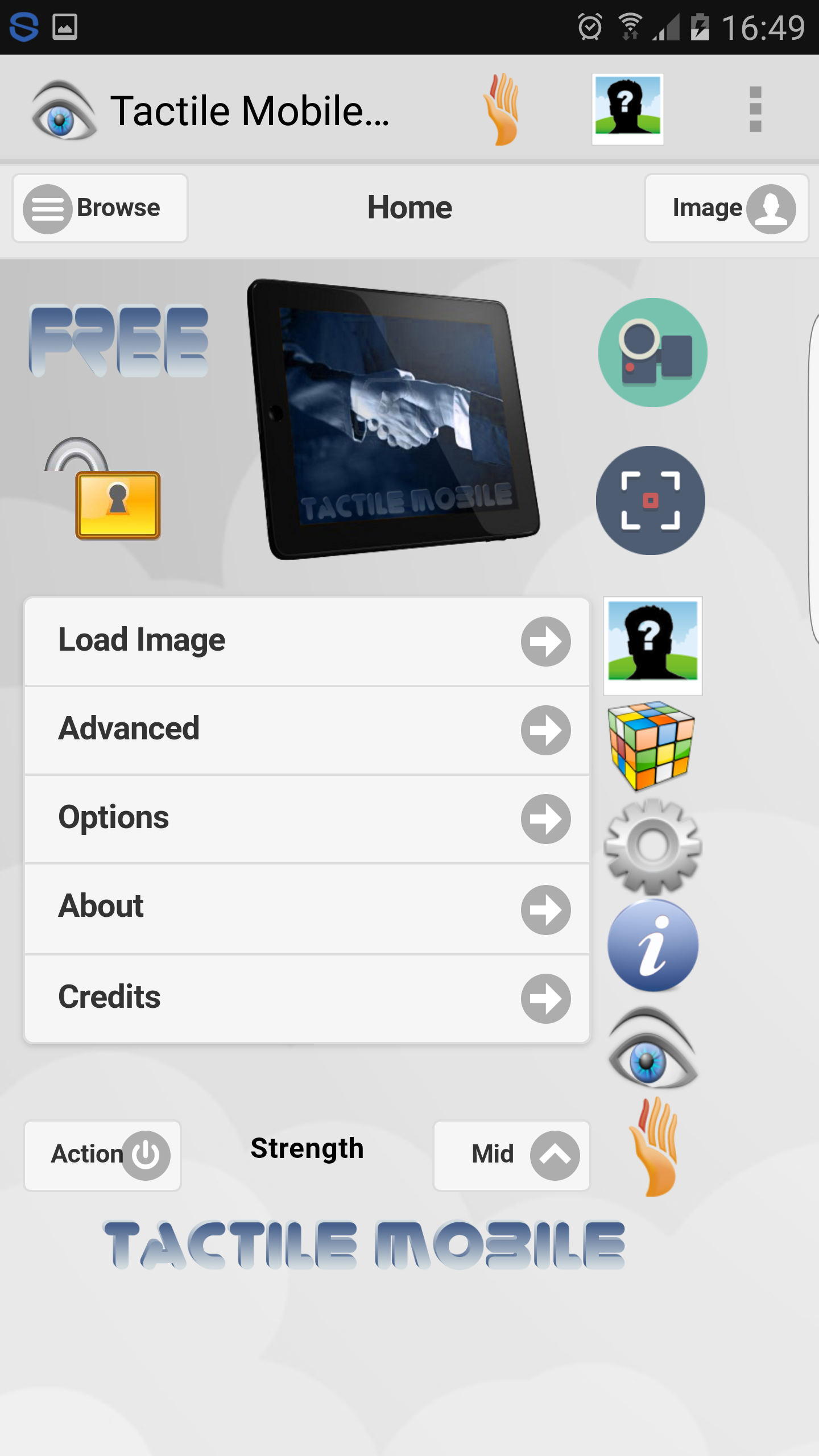
1. Load Image from Gallery, from Camera or from Web (Enter URL)
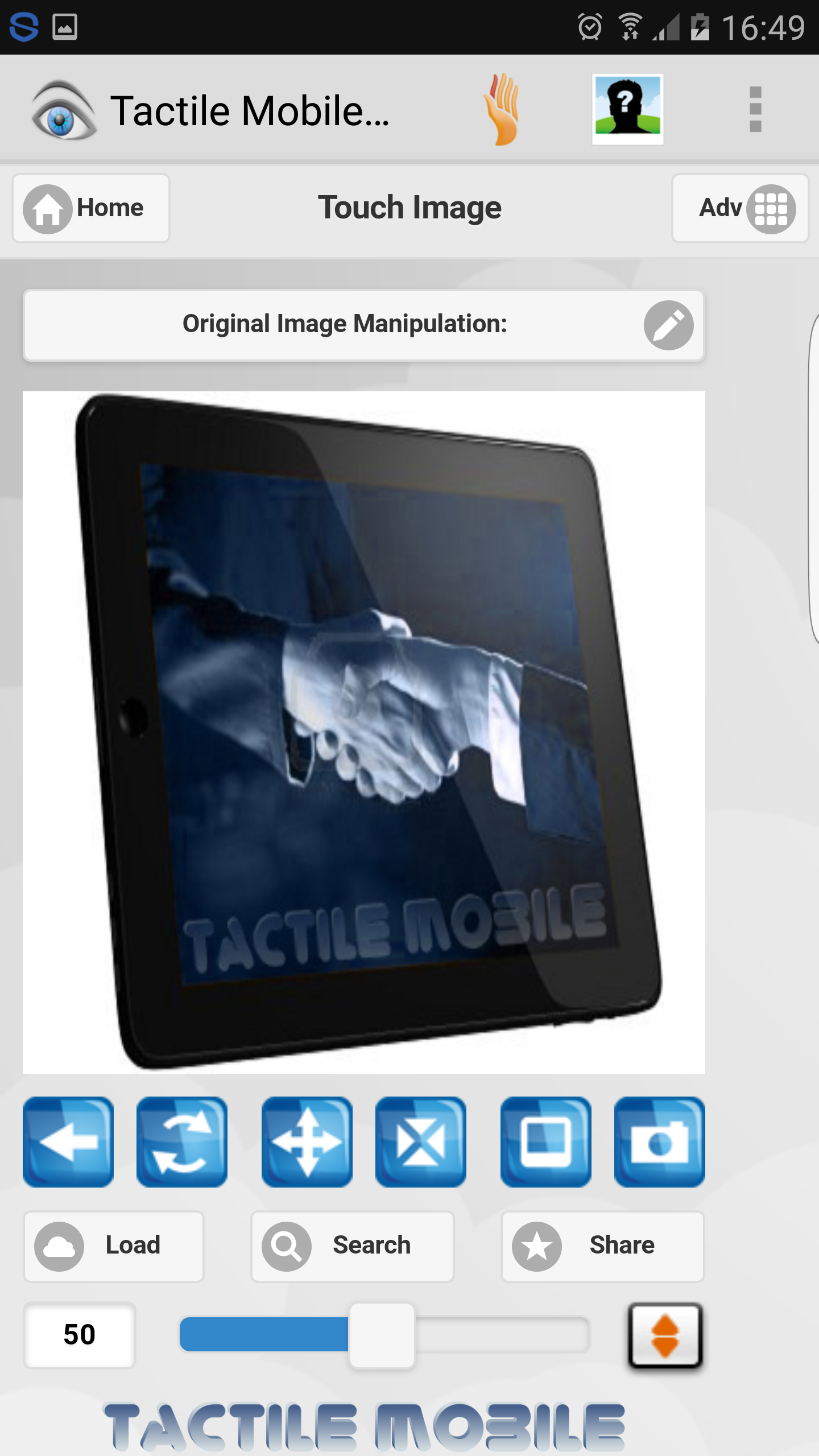
2. Feel Image with Finger Touch
3. Detect Face in image (Optional)
4. Detect Pixel in image (Optional)
5. Adjust manually the detection area (Optional)
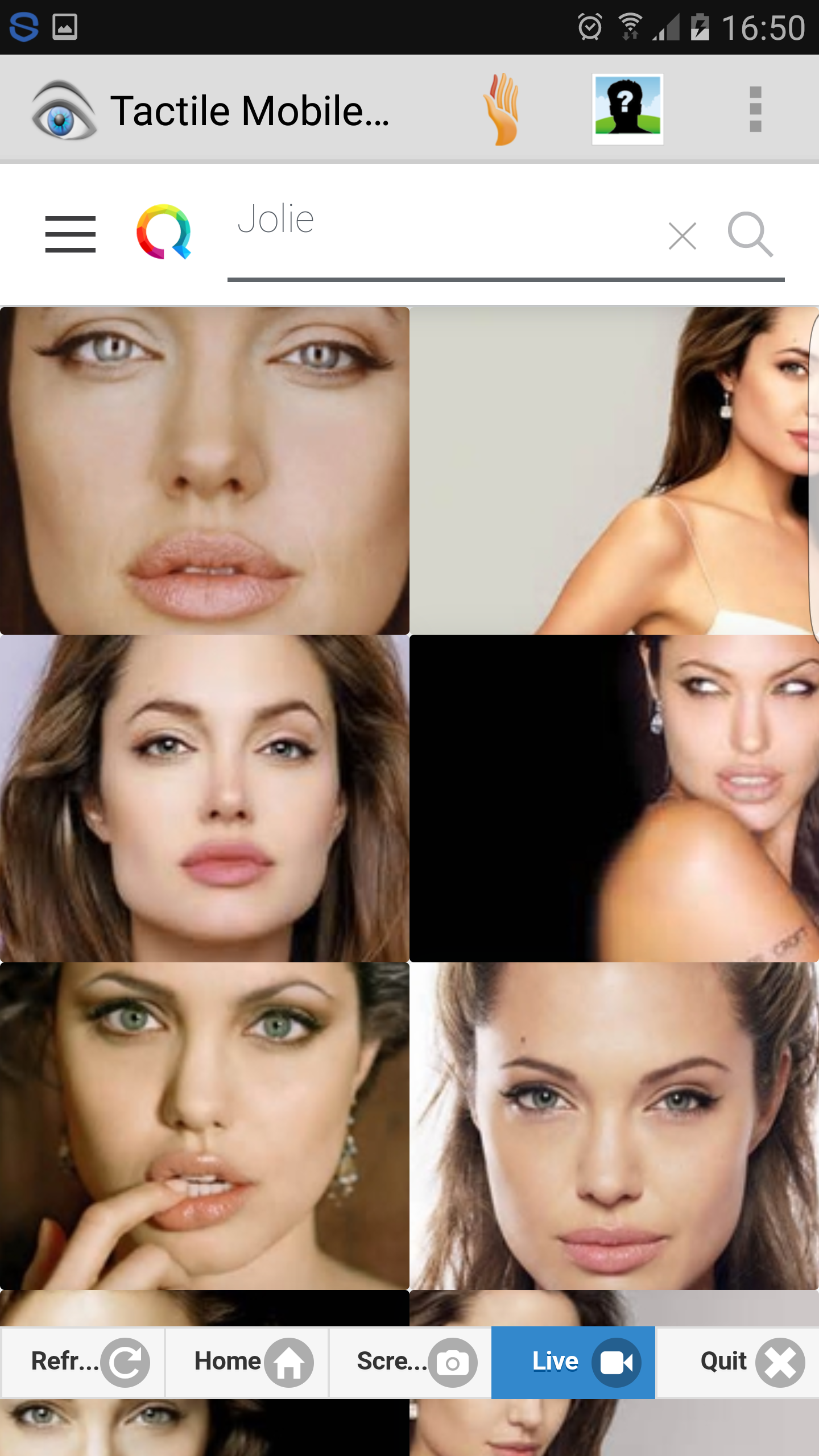
6. Search Image by keywords (Optional)
7. Share Image via applications (Optional)
8. Select a filter to manipulate the image (Optional)
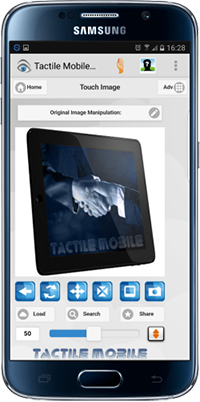

Integrated with Immersion Haptic Feedback (Built-in Effects generated by Universal Haptic Layer).
| Features | Free Version | Pro Version |
| Face Detection (local & remote images) |  |
|
| Image Manipulation (Image Editor) | |
|
| Haptic Feedback | |
|
| Sound Feedback (MIDI.js Soundfonts)** |  |
|
| Visual Feedback (Motion Parallax, Demos) | |
|
| Automatic Tactile Effects | |
|
| Adjustable Detection Area | |
|
| Load image or Search image | |
|
| Take and Feel Picture from Camera | |
|
| Open and Feel Image from Gallery | |
|
| Live Detection from the Video Cam | |
|
| Image Browser and Image Sharer | |
|
| Enable/Disable Zoom (Max Scale X4) | |
|
| Pixel Detector Basic (offline) * | |
|
| Pixel Detection Advanced (online) ** | |
|
| Advanced Color Detector ** | |
|
| Advanced Color Threshold ** | |
|
| Advanced Color Filter ** | |
|
| Average Color Image ** | |
|
| Secure Image Transfer (SSL support)*** |  |
|
| Secure Image Research (SSL support)*** | |
|
* Pixel Detection swap from one texture to the next depending on color intensity
** Limited usage every 3 images/sounds for the Free Version
*** Feature available only in the Professional version
Note (Android is a trademark of Google Inc):
- Some devices are not compatible with Face Detection (Camera Feature)
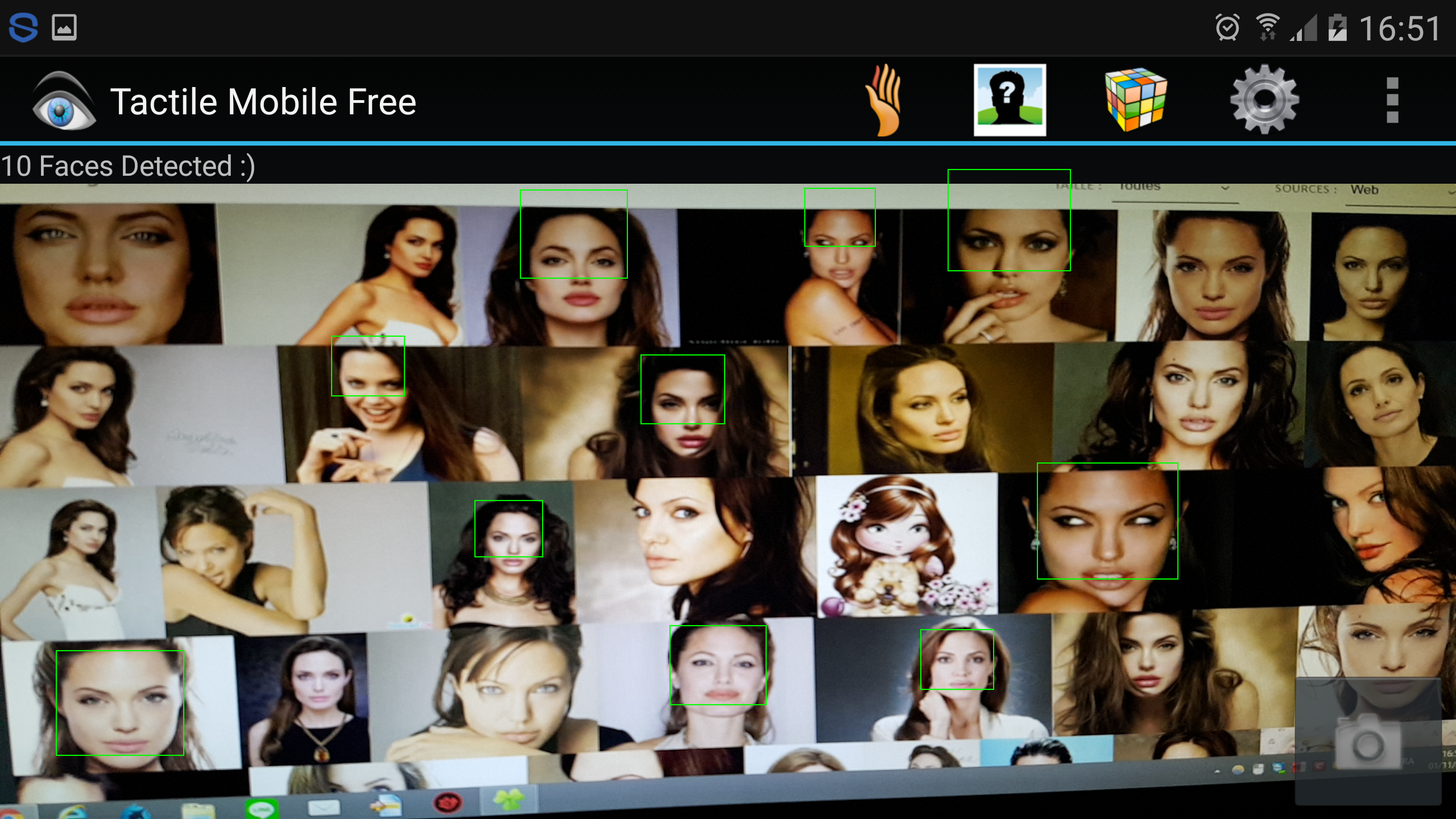
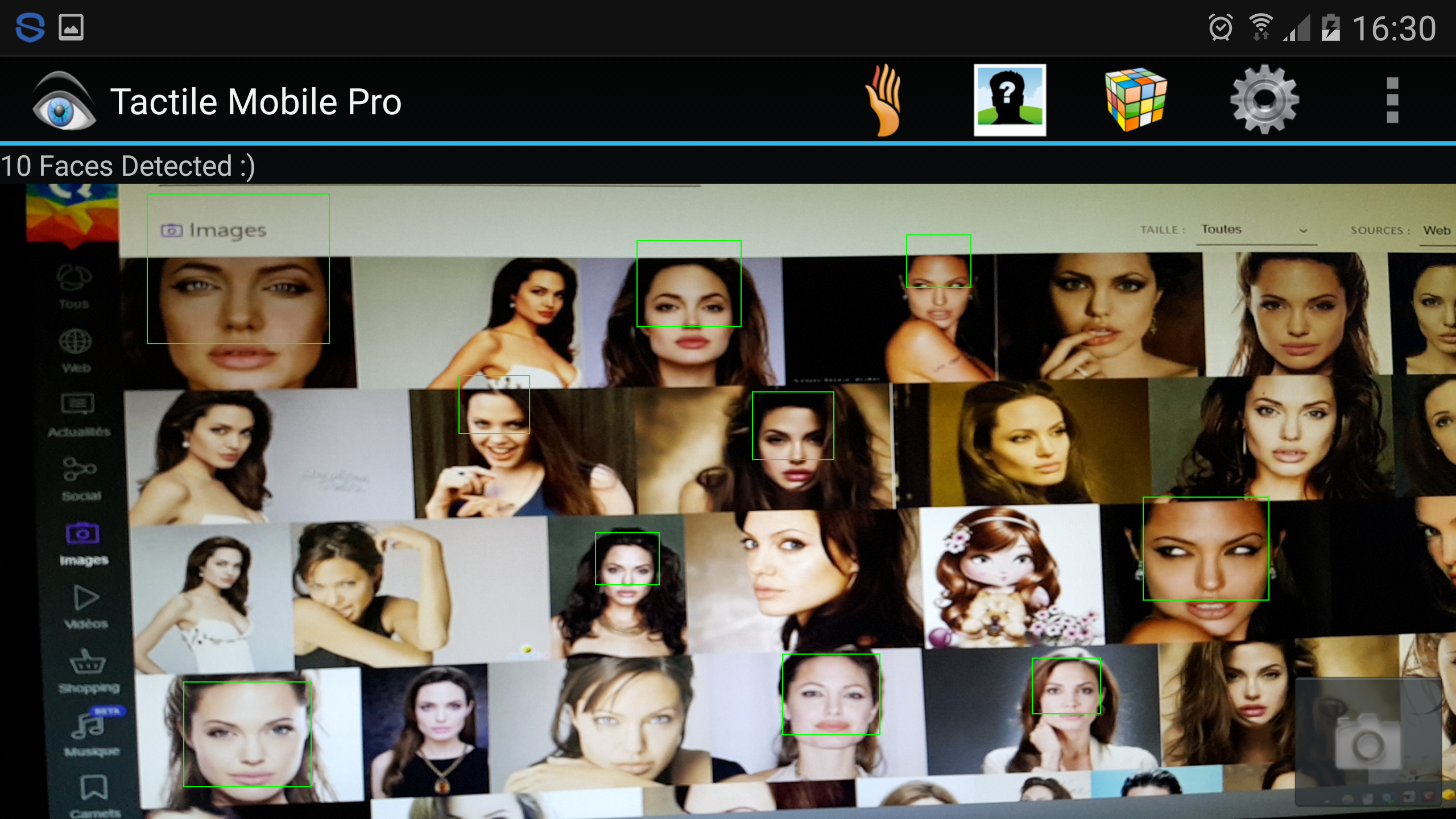
- Random Face detection if there is more than one face in image (10 faces maximum)
- Use contrasted images for better results
- Image size should be under 1 Mega octet for faster results
- Internet connection is required for pixel detection and advanced features (Pro Version)
- Click the padlock to disable or enable secure image transfer (Pro Version)
- The Advanced Pixel detector works only with remote images, but local images can be uploaded on the Web (Pro Version)
- The Basic Pixel detector works with local and remote images
Hard buttons Shortcuts (Depends on Android version):
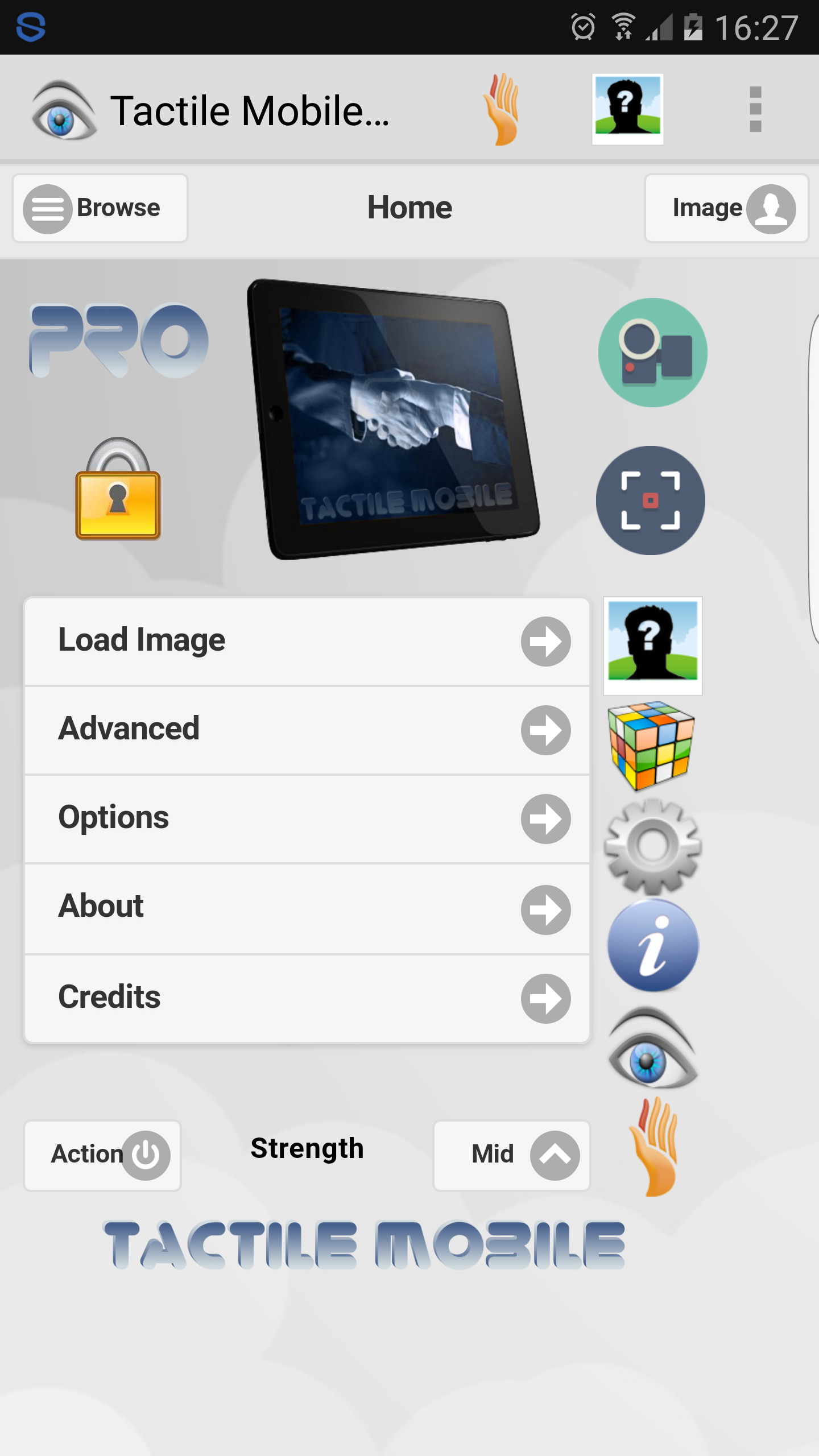
- Action button = Haptic Strength | Load Image | Advanced | Options | About | Credits | Full Screen
- Web/Search button = Load URL | Search Keywords | Share
- Home button = Move Task to Back (short press) | Task Manager (long press)
- Back button = Home | Pause | Quit Application
- Volume Down button = Gallery | Camera | Web
- Volume Up button = Enable Zoom | Disable Zoom | Recommend
- Power/Camera button = Picture | Live Detection | Browse Qwant
Turn on/off Assistant menu for Android 6.0 phone or tablet (Samsung Galaxy S7):
- Go to Settings > Accessibility > Dexterity and Interaction > and turn on Assistant Menu. This will add a floating button to the screen that you can press to reveal a menu containing the old Menu button.
Turn on/off accessibility features for Android 4.0 phone or tablet:
1. Go to Settings
2. Select Accessibility
3. Check TalkBack, which controls spoken feedback for visually impaired users.
4. Disable "Explore By Touch", which describes each item that your finger moves over on the screen (We recommend to turn it off).
5. Tap "Install web scripts" and click Allow in the pop-up window.
Enable this option to have the Browser provide spoken feedback as you browse and interact with web sites and applications.
To make sure specialized accessibility apps work correctly on your phone, be sure to turn on this option.
Known issues for Android 2.1 and up:
- Sound Feedback requires upgraded Android and updated Chrome
- Android has no method for real-time low latency audio until version 4.1 (JellyBean).
- Audio Feedback uses MIDI code that can be generated by Android browser, but it may consumes CPU resources.
- 1.0 GHz CPU or faster recommended to play sound without lags or gaps.
Changes list since the first version:
- Enable/Disable Full Screen from Action Button (Free v3.03., Pro v3.7.3 not released yet)
- New Soundfont Player, Action Bar and Search Engine (Free v3.0.2, Pro v3.7.2)
- Gallery improved, Menu renamed to Home, bug fixes (Free v3.0.0, Pro v3.7.0)
- Universal Haptic Layer Updated (Free v2.9.0, Pro v3.6.0)
- Enable/Disable Shades of Grey (Free v2.9.0, Pro v3.6.0)
- Feel "ScreenShots" (Free v2.9.0, Pro v3.6.0)
- Photo Retouching (Free v2.8.4, Pro v3.5.4)
- Redesigned Multimodal User Interface with JQuery (Free v2.8.2, Pro v3.5.1)
- Image Browser, Image Sharer, Screenshot Taker (Free v2.8.2, Pro v3.5.1)
- New Audio Feedback feature selects MIDI instruments (Free v2.7.2, Pro v3.4.2)
- Support for devices containing TouchSense Player version 3.7 (Free v2.7.2, Pro v3.4.2)
- Add support to x86 devices (Free v2.7.2, Pro v3.4.2)
- Faster web views (Free v2.7.2, Pro v3.4.2)
- Pixel Detector offline (Free v2.6.0, Pro v3.3.0)
- Image Manipulation (Free v2.5.4, Pro v3.2.4)
- Fast Click enabled, JQuery Textbox updated (Free v2.5.3, Pro v3.2.3)
- Stability and bug fixes (Free v2.5.1, Pro v3.2.1)
- Improved user interface (Free v2.4.5, Pro v3.1.5)
- Pixel detection from Camera (Pro v.3.1.3), UHL updated (Free v2.4.3) and bug fixes (Free v2.4.4)
- Switch between Front and Back Camera (v2.4.1)
- Live Detection: new Capture Mode for Camera (v2.4.0)
- Strict Mode disabled (v2.3.8)
- Battery consumption optimized (v2.3.7)
- Google Ads removed to increase graphic speed (v2.3.1)
- Optimization for Android Jelly Bean and Samsung Galaxy S3 (v2.3.0)
- Stability and bug fixes (v2.2.9)
- Feature "Back to Menu" to improve accessibility (v2.2.7)
- Stability and bug fixes (v2.2.4)
- Hardware Acceleration (v2.2.1)
- Face detection improved (v2.2.0)
- Accessibility enhanced, content description added for visually impaired users (v2.1.3)
- Random Face detection for local images (v2.1.2)
- Face detector for remote images (v2.0.0)
- "Pixel Detection" upload images to Tactile Mobile server (Pro v2.0.0)
- Adjustable detection area which could be resized or moved on screen, over the image (v1.9.0)
- Universal Haptic Layer Updated for latest Android Devices (v1.8.4)
- Improved haptic effects consistency accross Device types (v1.8.0)
- Social Network (v1.7.3)
- Visual Feedback (v1.7.0)
- Simplified user interface (v1.6.0)
- Menu selection (Load, Zoom, Quit) (v1.6.0)
- Haptic Strength toggle (Low, Mid, High) (v1.6.0)
- Stability and bug fixes (v1.5.7)
- Tactile Mobile app added to "Share via" Dialog (v.1.5.2)
- File manager compatible
(v.1.5.1)
- "Automatic Effect" select automatically a tactile effect when the image is loaded (v.1.5.0)
- "Share" button allows to share images via your favorite applications (v.1.5.0)
- "Recommend" button allows to recommend this application to your friends (v.1.5.0)
- Compatible with Android 4.0 "Ice Cream Sandwich" (v.1.5.0)
- Universal Haptic Layer updated for Tactile Tablets (v.1.5.0)
- Accessibility improved to search an image with menu button (v1.3.8)
- Transparent Highlight of image. The Touch Move is improved (v1.3.7)
- Accessibility improved to load an image with menu button (v1.3.6)
- Android Eclair Backward compatibility (v1.3.5)
- New logo added (v1.3.4)
- Enable/Disable Zoom when Volume Down button is pressed (v1.3.2)
- Compatibility improved with file manager (v.1.3.1)
- Stability and bug fixes (v1.3.0)
- Image is automatically loaded without user interaction (v1.2.9)
- Take a picture from Camera when Menu hard button is pressed (v1.2.6)
- Image Location is copied to clipboard after Selection in Image Gallery (v1.2.5)
- Stability and bug fixes (v1.2.4)
- Move application to SDcard enabled (v1.2.3)
- Open Image Gallery when Menu hard button is pressed (v1.2.2)
- Stop effects if Touch is moving out of Image bounds (v1.2.1)
- Stop effects if Image is clicked or Touch is canceled (v1.2)
- Prompt user when Back hard button is pressed (v1.2)
- Tactile effects names added (v1.2)
- Save/Restore default settings Fixed (v1.1)
- Prevent Scrolling when Image is Touched (v1.1)